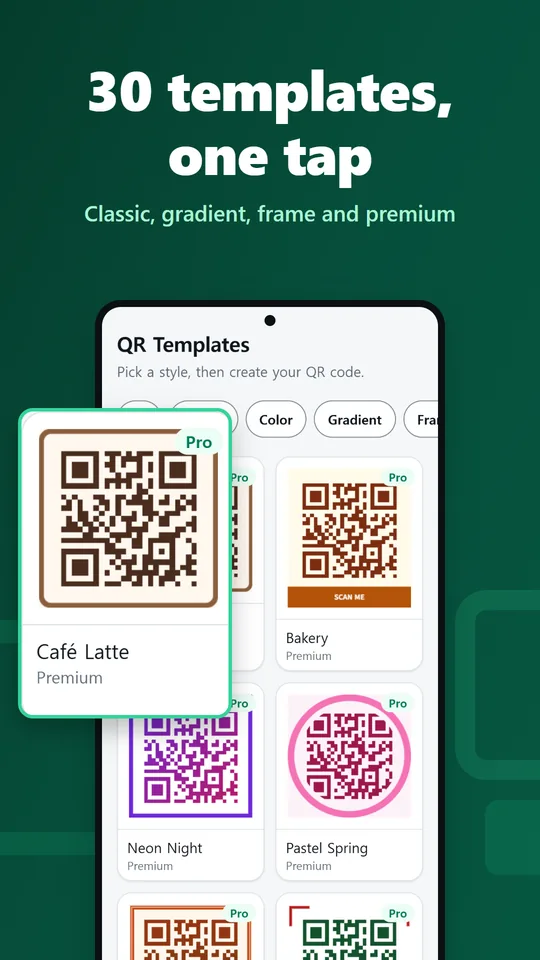
30 templates
Tap a classic, color, gradient, frame or premium style and go straight to Create. The 8 premium templates are Pro.
 QR Code Maker
한국어 English
Get the appQR codes for cafés, restaurants and shops
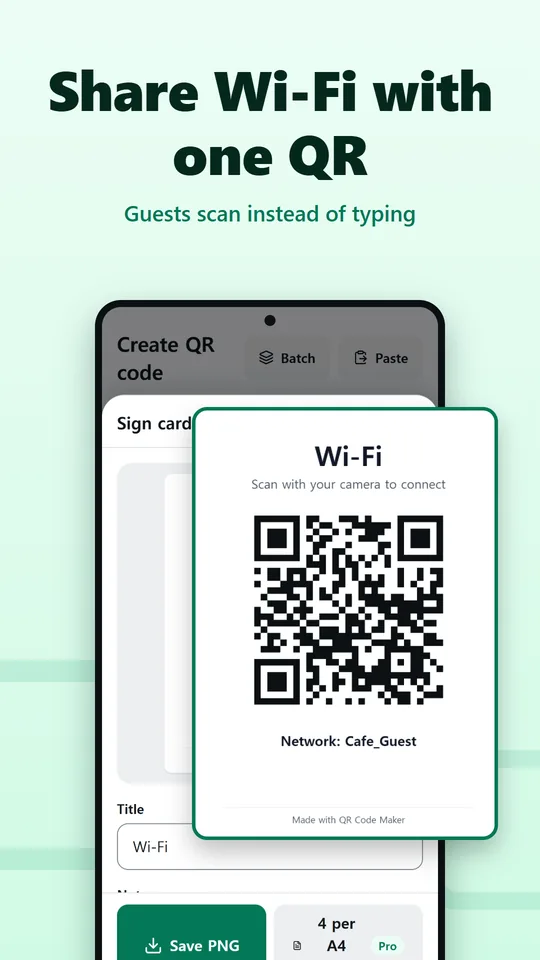
Pick one of 30 templates, change the logo, colors and frame, and your menu or Wi-Fi QR is ready. Print it on A4 sticker sheets, and guests join your Wi-Fi without typing a password.
Android only · No sign-up · History stays on your phone
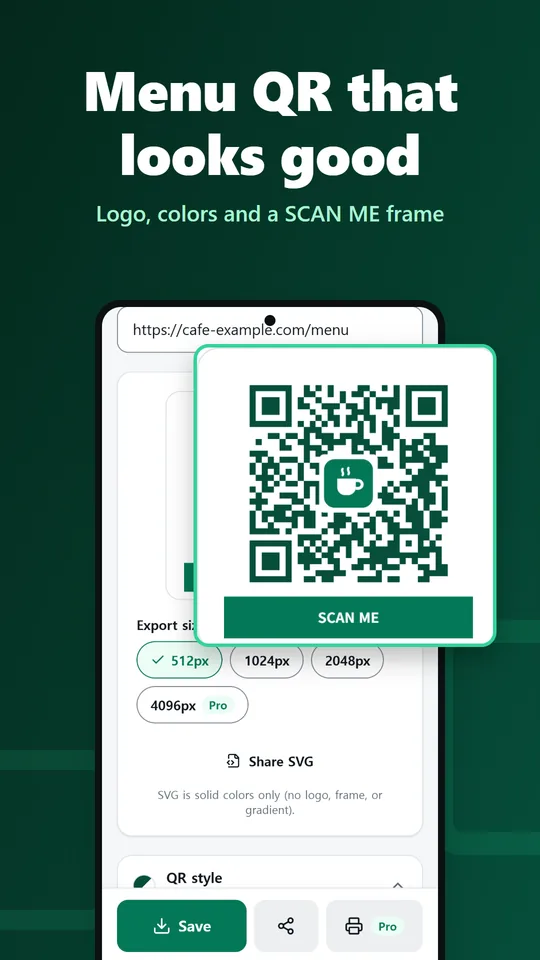
QR Code Maker is an Android QR code generator app that helps café and shop owners, and anyone who needs QR codes for business cards or events, design QR codes with templates and a logo. Make Wi-Fi, menu and contact QR codes, save or share them as images, and scan QR codes and barcodes when you need to. There is no sign-up, and the codes you make and scan stay on your phone.
Plain QR codes clash with your shop
You want your colors and logo on the menu, but design software takes too long.
You keep reading out the Wi-Fi password
Every guest asks, or you tape a note to the counter.
One QR code per table, one at a time
Dozens of codes that differ only by number take a long time to make and save.
Unknown QR links feel risky
You do not know where a scanned link goes before you open it.
Enter your Wi-Fi details or menu link to see a QR code built the same way the app builds it, plus the smallest print size for your scanning distance. Nothing you type leaves this browser.
What the QR code contains
–
Formula: smallest size = scanning distance ÷ 10 (at least 2 cm)
For reference only. Distance ÷ 10 is a common rule of thumb in the QR industry, not a guarantee. Colors, logos and print materials change the result, so scan your printed code with several phones before you use it.
Save this QR and add your logo and frame (free app)Tap a classic, color, gradient, frame or premium style and go straight to Create. The 8 premium templates are Pro.
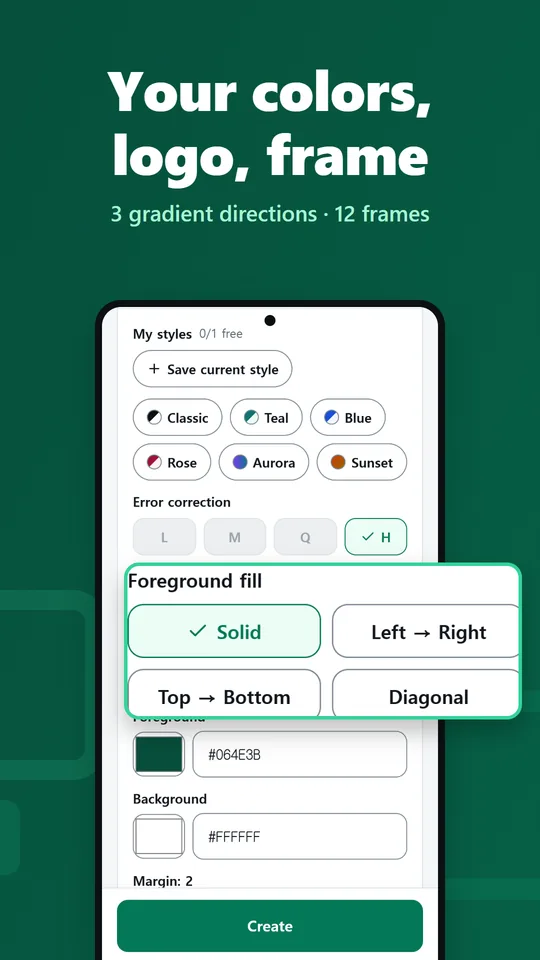
Add a center logo and set its size, pick colors and gradients (3 directions), choose from 12 frames and edit SCAN ME or MENU banner text.
Add a title and a short note above your QR and save it as PNG. A4 PDF with 4 per page is Pro.
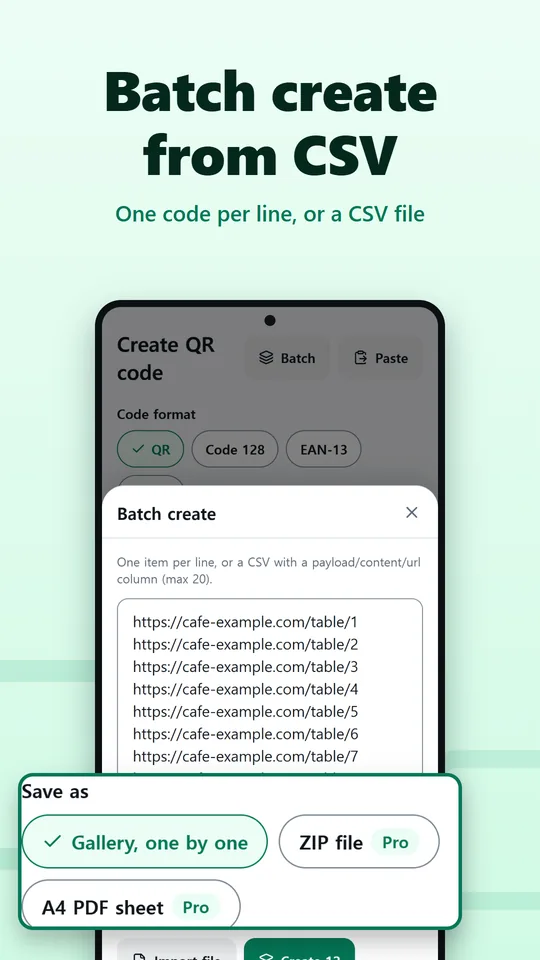
Make 20 codes at once from lines or a CSV file, or 500 with Pro, and save them as ZIP or PDF.
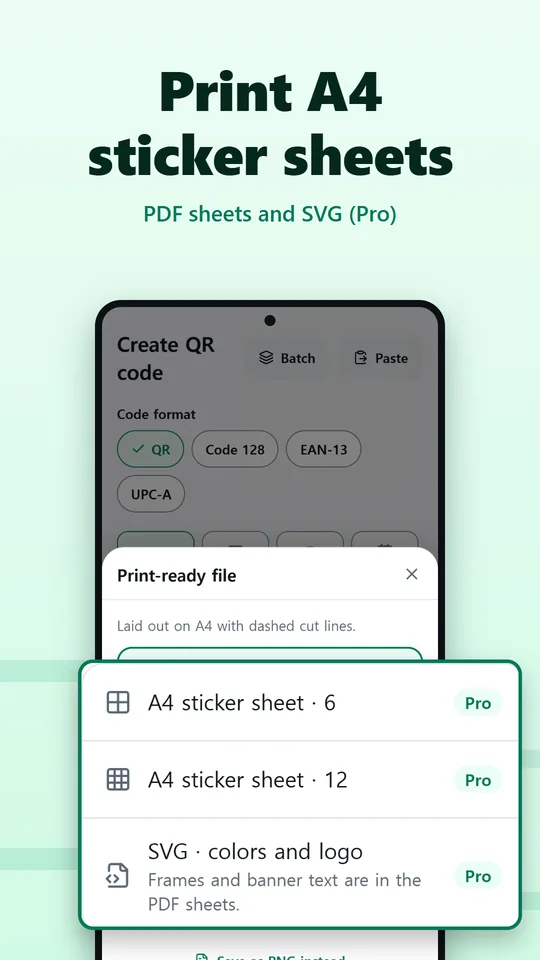
Print-ready A4 sheets with cut lines (6 or 12 per page) and SVG files with your colors and logo (Pro).
Link, text, Wi-Fi, contact, email, SMS, phone, location and event QR codes, plus Code128, EAN-13 and UPC-A barcodes.
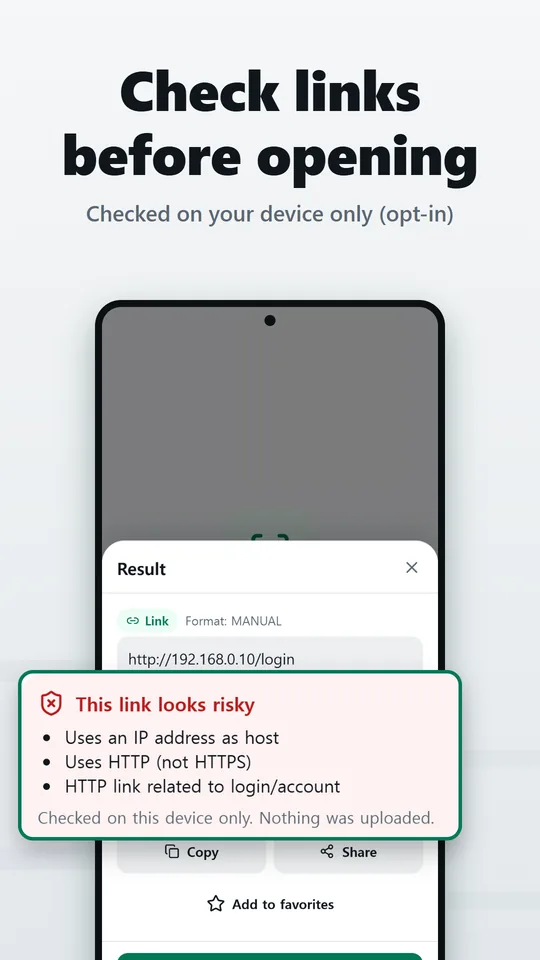
Scan with the camera, from photos, by typing, or in batch. Turn on hints to flag risky-looking links on your device.
Share into the app to make a QR, show a code full screen, and use home screen widgets and icon shortcuts.
No account or log-in. Install it and start. We never ask for your name or phone number.
The codes you make and scan, and your history, stay on your phone and are never uploaded to our servers. You can export them as CSV or TXT.
Only ads (Google AdMob), payments (Google Play), barcode-scanner diagnostics (Google ML Kit), and feedback or product lookups (Open Food Facts) you choose to send.
Read the details in our Privacy Policy and Terms of Service.
$0 · with ads
$3.99 · one-time purchase, not a subscription
$3.99 is the US price. Prices may vary by country and are shown in your local currency on Google Play. Google Play handles payment.
No. Install it and start right away. There is no account or log-in.
Yes, banner and full-screen ads are shown. Full-screen ads are capped per day and spaced out, and Pro removes all of them.
Images go to your gallery, and history stays on this device only. We never upload it to our servers.
Pro is a one-time, lifetime purchase of $3.99 in the US. It is not a subscription. Prices may vary by country and are shown in your local currency on Google Play. You can restore it on the same Google account from Settings, and you can ask for a refund within 14 days if you are in the EU or UK, or within 7 days elsewhere.
Not yet. The app is available for Android only.
Nowhere. The preview QR is made in your browser, and the Wi-Fi password is never saved.
Pick a template, add your link or Wi-Fi details, and your menu, Wi-Fi or business card QR is ready.
Get it on Google Play